To configure the type of logging
Launch the OneSpan Authentication Server Appliance Configuration Tool and enter your credentials (see Accessing OneSpan Authentication Server Appliance Configuration Tool and OneSpan Authentication Server Administration Web Interface).
Select Settings > Logging.
Select the required log level from the Logging > Level list.
Click Save.
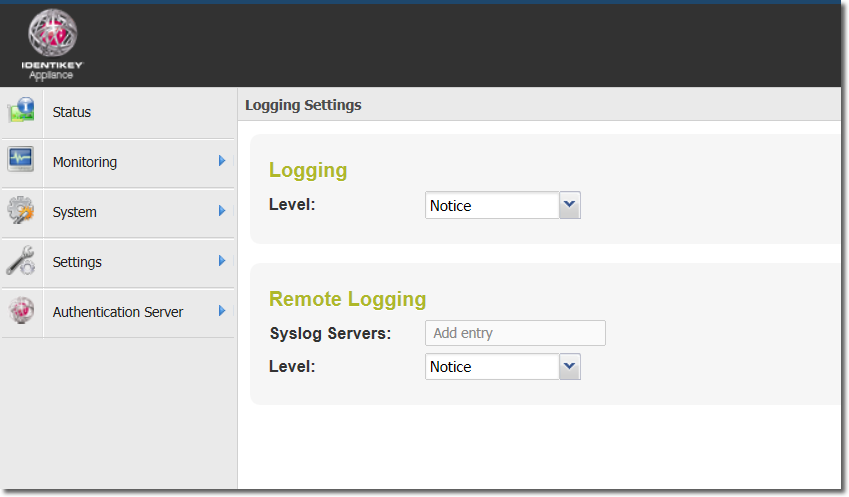
Figure: Configuring logging
To configure remote logging
Launch the OneSpan Authentication Server Appliance Configuration Tool and enter your credentials (see Accessing OneSpan Authentication Server Appliance Configuration Tool and OneSpan Authentication Server Administration Web Interface).
Select Settings > Logging.
Type the IP address of the syslog-compliant server for viewing log data remotely. Multiple IP addresses can be entered in a comma-separated list.
Select the required log level from the Remote Logging > Level list.
Click Save.