To configure the type of logging
Sign in to the OneSpan Authentication Server Appliance Configuration Tool.
Select Settings > Logging.
Select the required log level from the Logging > Level list.
Click Save.
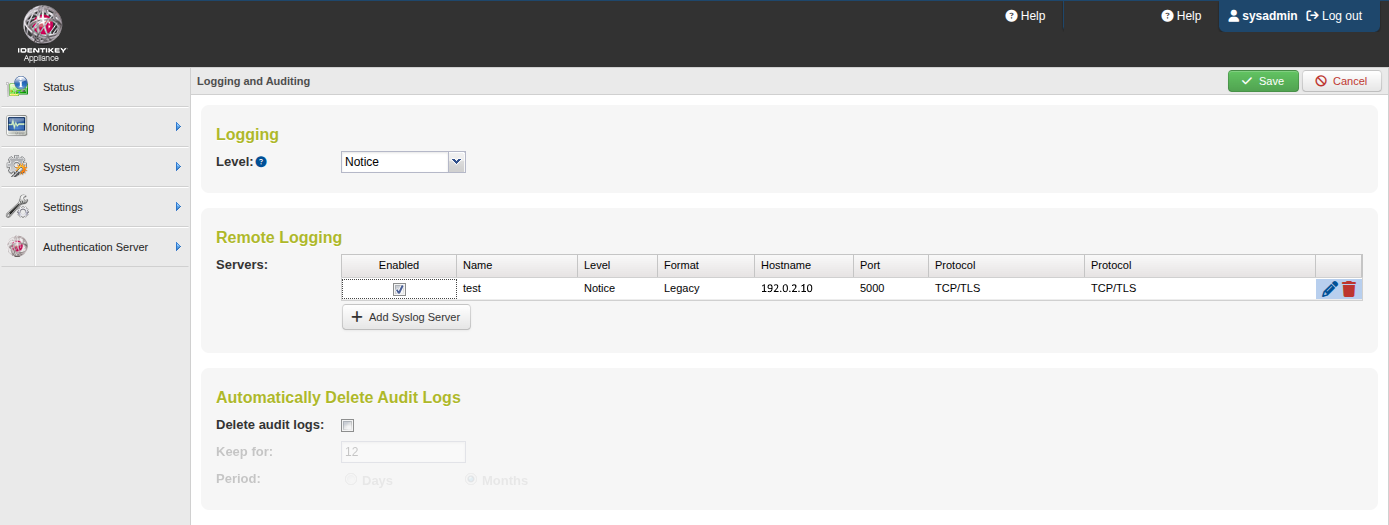
Figure: Configuring logging
To configure remote logging
Sign in to the OneSpan Authentication Server Appliance Configuration Tool.
Select Settings > Logging.
Click Add Syslog Server and configure the syslog-compliant remote server:
Type a display name for the remote syslog server.
Specify the severity level and the syslog format.
Type the FQDN or IP address of the remote syslog server.
Specify the server port and network protocol to use.
If required, set up the certificates for the server and/or client certificate verification.
Click Update.
For a detailed reference of the remote syslog server options, see Syslog Server dialog.
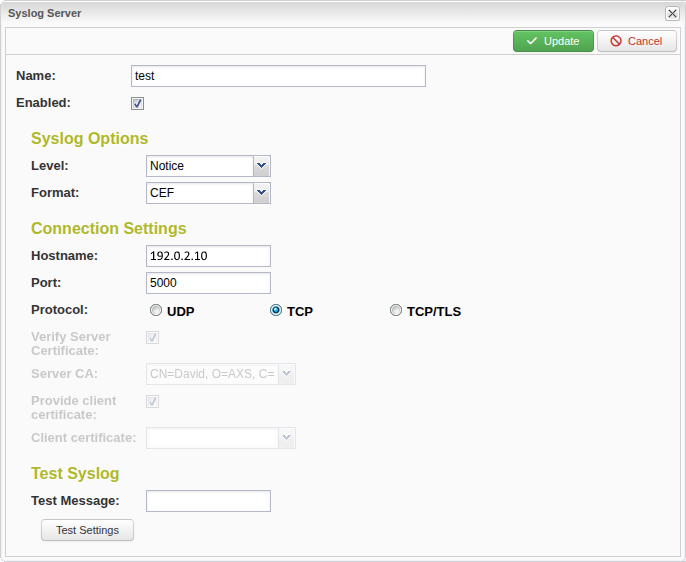
Figure: Syslog Server dialog