Performing manual backups
- Published on Jan 26, 2026
- 1 minute(s) read
To perform a manual backup
- Log on to the OneSpan Authentication Server Appliance Configuration Tool, and select System > Backup & Restore.
Click Create backup.
Usually, the web browser will display a dialog to specify the backup file destination.
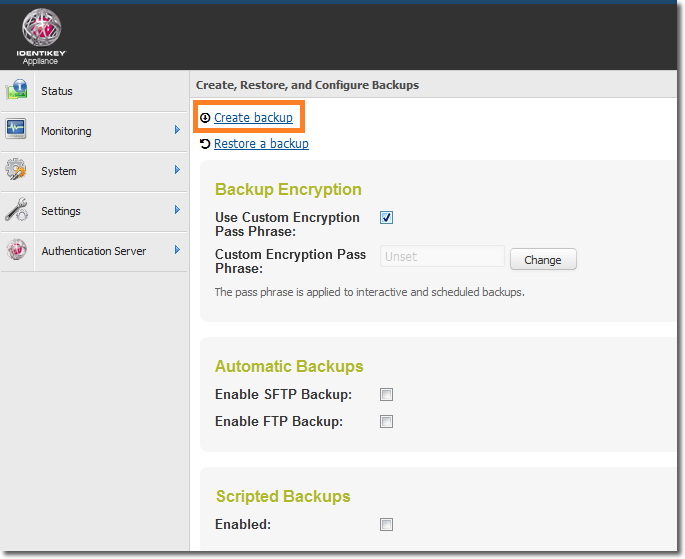
Figure: Backup and Restore – Creating manual backups
Specify the destination for the backup file.
The backup is created.
Was this article helpful?