Administrators
If you lose your access, you can initiate account recovery with these steps:
Click the second link in the email that provisioned your account:

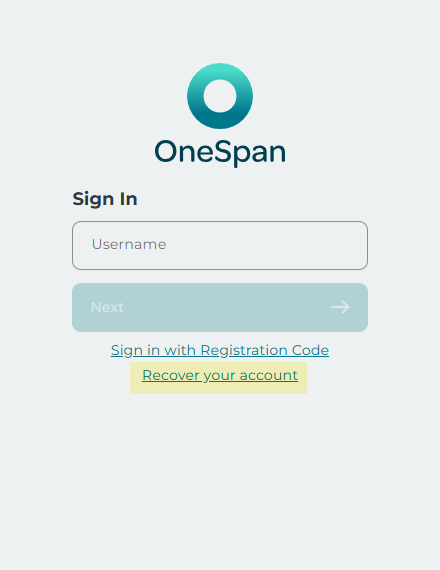
This will bring you to the Sign In page. Click on Recover your account.
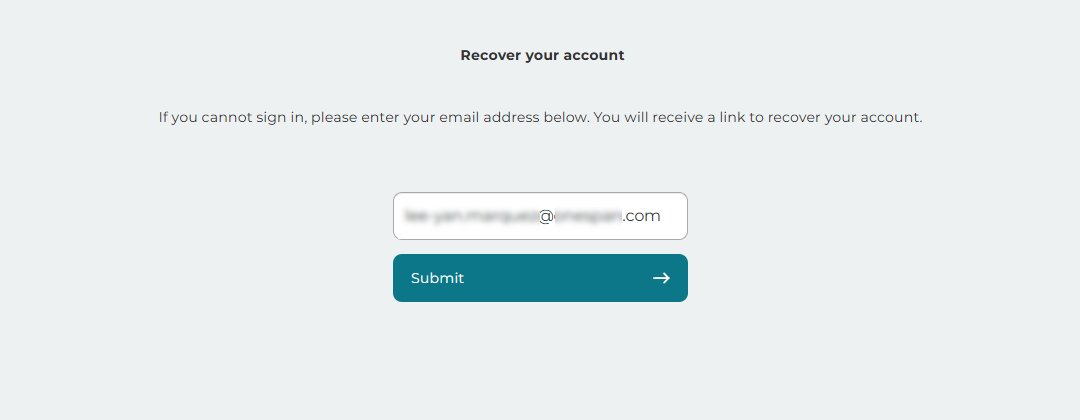
This will bring you to the Account Recovery page. Enter your email address and click Submit.
Once approved, you should receive a magic link via email that will enable you to register a new passkey.
Account admins can only provide password recovery assistance to other admins and account holders who have access to the same application(s) as they do.
Sole Account Admins
If an organization has only one Account Admin, the admin will have to follow some additional steps.
After clicking Submit on the Account Recovery page, you should:
Contact OneSpan Support and disclose that:
you are the sole account admin for your organization
you have submitted a request to recover your account
make sure to include any details that are pertinent to your request.
You should receive an email with a magic link once your request has been approved.